Make Sense of Your Health and Fitness Data
Connect Your Apps
Use your favorite apps, trackers, and devices for each activity. FitnessSyncer unifies the steps, distance, duration, calories burned, weight, blood pressure, glucose levels, nutrition, oxygen, sleep, and temperature data — all in one place.
Visualize Your Data
Use the FitnessSyncer Dashboard and FitnessSyncer Stream to view and analyze your health and fitness data. See your stats over time, gain insight, and stay motivated.
Add Your Own Data
Use FitnessSyncer Notebook or FitnessSyncer Uploader to record your data that isn’t already in a cloud. Enter data manually and make sure everything you do counts.
Synchronize Your Data
Seamlessly move your health and fitness data between apps, trackers, and devices so that you can gain insight into your data in different ways.
Create a Unified Health and Fitness Hub!
FitnessSyncer unifies your data in one convenient place to make informed decisions toward better results. Analyze your data in our customizable dashboard, stream, exportable calendar, daily analyzer, and more! You’re already doing the hard work. We make it easy to see the complete picture so you can achieve your health and fitness goals.
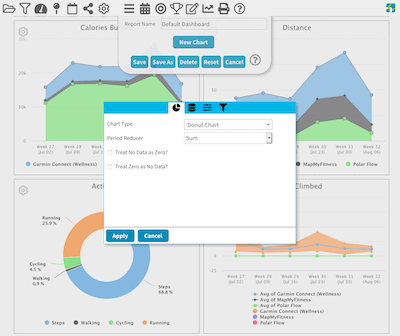
See your data on graphs and KPIs. Slice and dice your data any way you want. Pro users can create unlimited, customizable dashboards.
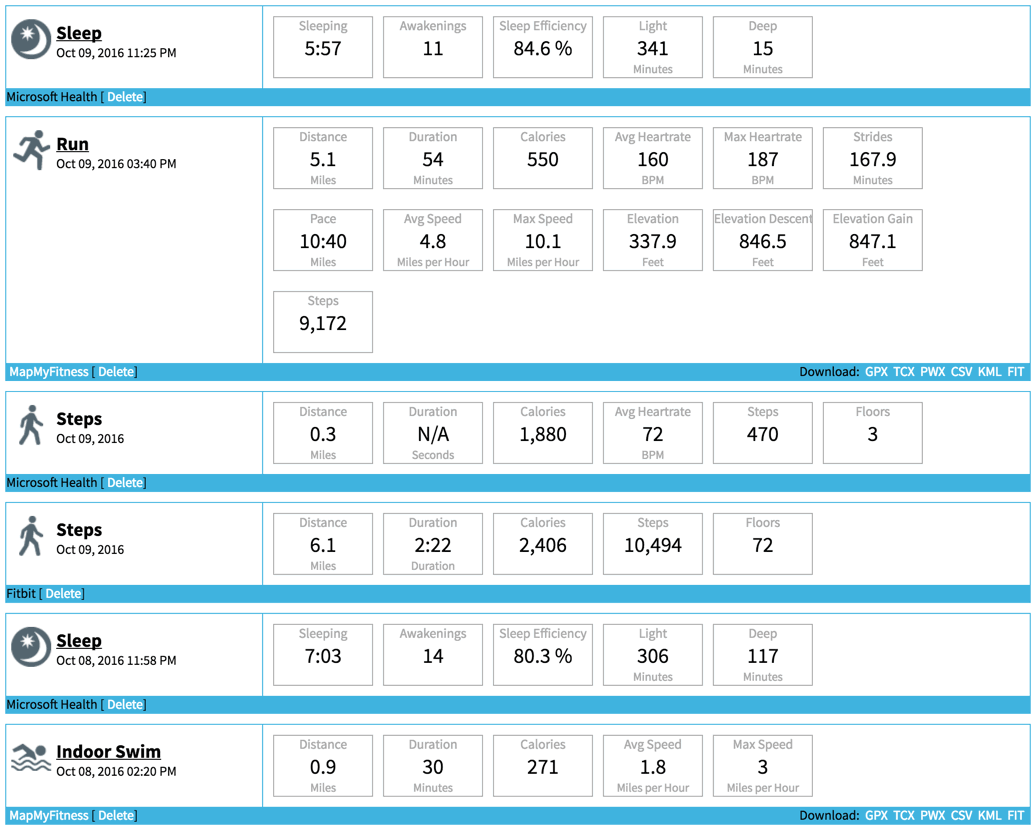
See a list of your data and dive in deep for item analytics, like visualizing split times or last-mile stats for training purposes, heart rate zones, sleep graphs, and more.
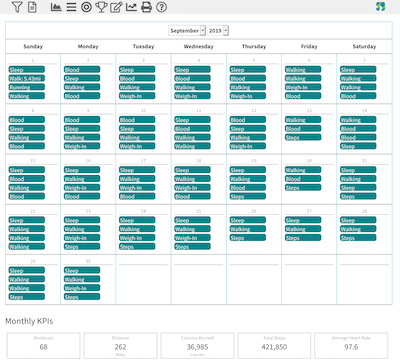
Compare months to spot trends or export to your own calendar.
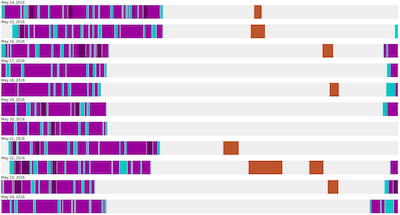
Visualize the patterns of your day with a minute-by-minute view of all the data you track within FitnessSyncer. Daily Analyzer offers an interesting perspective and insight into your daily trends.
Share your activities and dashboards securely or Print summaries so that you can share your progress with friends, family, caretakers, and doctors.
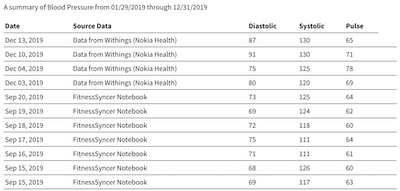
Your Best examines all your data stored in FitnessSyncer and provides you with insights and highlights (and lowlights), so you can celebrate your accomplishments or adjust your routine to better accomplish your goals.
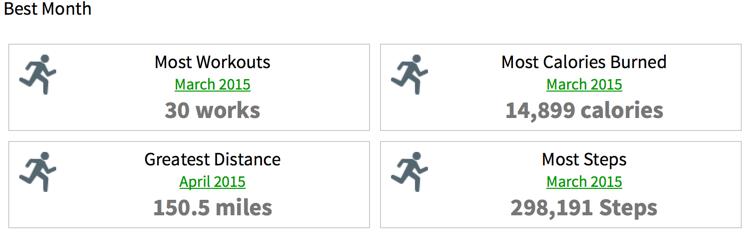
See where you have been. Find new adventures or revisit forgotten gems.
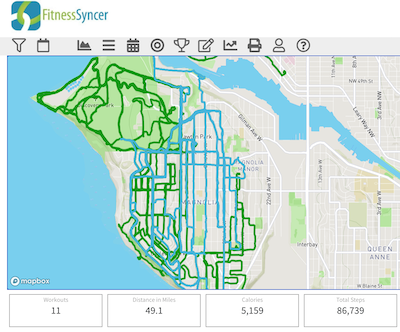
Whatever you do not track elsewhere online, FitnessSyncer Notebook is a handy health and fitness companion to help you track your progress!
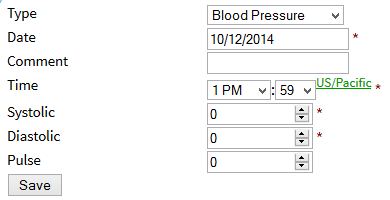
Create Competitions to Achieve Health and Fitness Goals
FitnessSyncer Leaderboards are a fun and easy way to engage in friendly health and fitness competitions between family, friends, and colleagues. And with FitnessSyncer cross-device compatibility, participants can use whatever device and services they already use!
Do more with your Health and Fitness Data!
FitnessSyncer does a lot more than just giving you great tools to analyze your health and fitness data. FitnessSyncer is best known for our automated synchronization service that automatically publishes activities from one app or service to another; this is an excellent way to:
- migrate from one service to another
- try new services with your data
- keep your weight updated across many services
- keep a backup of your data
- unify your data across multitudes of services
But FitnessSyncer also allows you to publish that data to various services, stay motivated with automated e-mails and social postings, track the wear and tear on your equipment, and get alerts on the data which matters the most to you!
You can also send your data to our growing list of supported destinations. Try new services or integrate new sources with existing services.
Subscribe for regular e-mails to help accomplished goals or share your progress with your community on social networks.
FitnessSyncer can track the usage of your shoes or other equipment and let you know when it’s time to replace or service them!
Get alerts and reminders to weigh in, maintain a particular range for your stats, and more. You set the threshold, and we’ll keep you on track.
What do you track?



